

The Project E.V.I.L.
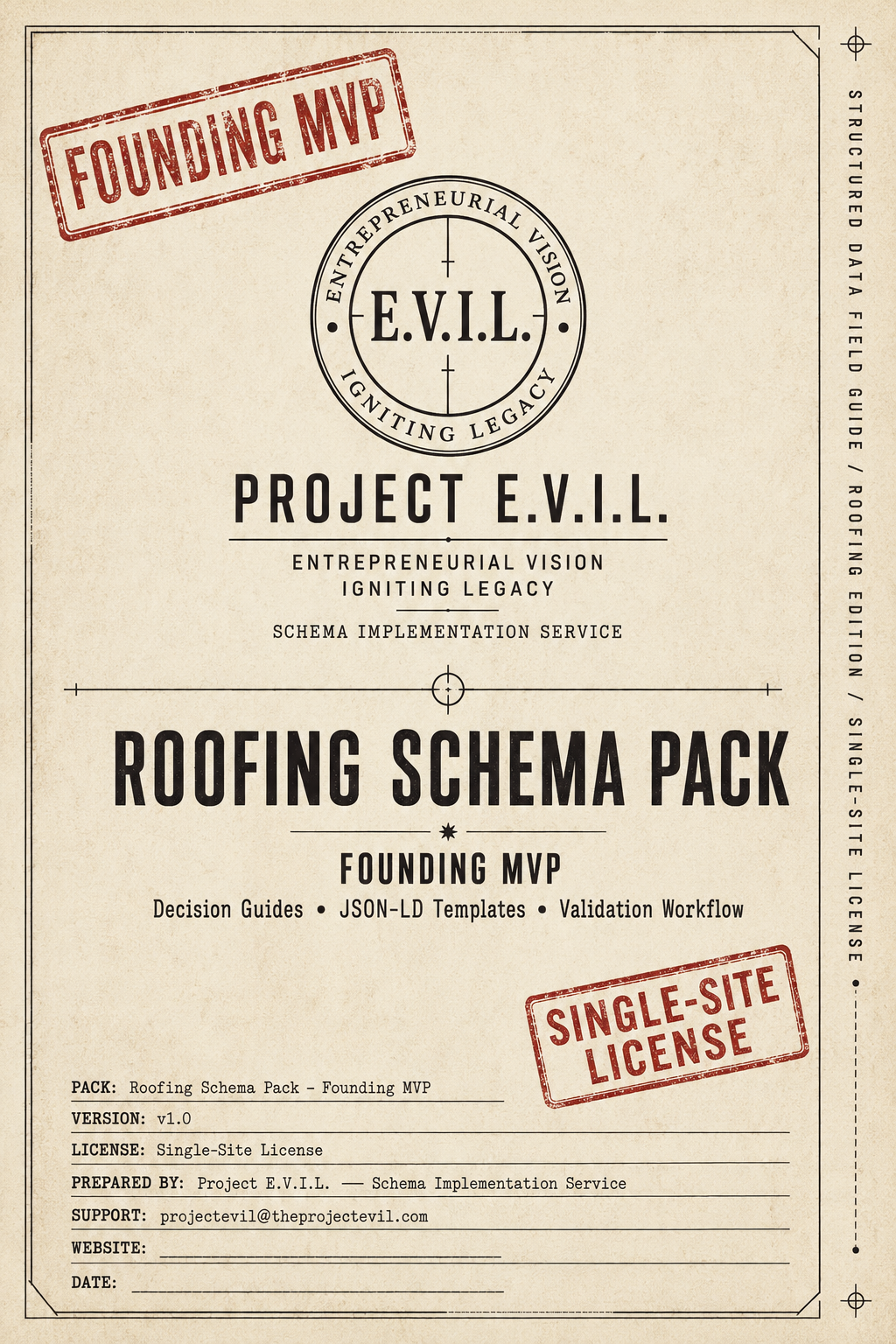
Roofing Schema Pack — Founding MVP
Roofing Schema Pack — Founding MVP
A roofing-specific structured data decision guide and JSON-LD template kit.
Built for roofing businesses, web developers, marketing agencies, and local SEO providers who want a clear, roofing-specific framework instead of guessing.
What this is
This is a decision guide first and a template kit second. It helps you understand what schema belongs on a roofing website, why it belongs there, what visible page evidence must support it, and how to validate the result before publishing.
What you get
- 19 JSON-LD template files — hand-written, commented, and ready to deploy
- Schema decision guide — what to use, what to skip, and why, specific to roofing
- Validation workflow — step-by-step process to test before and after deployment
- Stop-and-hire-help boundaries — honest markers for when DIY ends and professional implementation begins
Who it is for
Roofing contractors, web developers building roofing sites, and marketing agencies managing roofing clients who want structured data decisions they can defend — not pasted code they cannot explain.
Single-site license. Instant digital delivery.
Couldn't load pickup availability
Share
18 files. One Clear Framework.
18 files. One Clear Framework.
00 — Welcome and Brand Introduction — What this pack is, what it is not, and how the Project E.V.I.L. approach works
01 — README: Start Here — Your onboarding sequence. Read this before opening anything else.
02 — Quick Reference Card — One-page cheat sheet covering every schema type in this pack, which page it belongs on, and when to use it.
The decision layer
03 — Roofing Schema Decision Guide — The core document. Which schema types belong on which roofing page types, why they belong there, and what visible evidence your page needs before you implement anything.
07 — FAQPage Eligibility Guide and Template — FAQPage schema is widely misused. This file tells you when you've earned it, when you haven't, and what the actual eligibility criteria are.
08 — Review and Rating Safety Notes — AggregateRating schema has strict rules that Google enforces. This file tells you exactly what must be in place before you implement it.
The templates
04 — Homepage JSON-LD Template — Ready-to-fill Homepage schema with inline comments explaining every field and what goes where.
04b — Placeholder and Field Reference — Every placeholder across all templates in one place, with format guidance, example values, and conditions for optional fields. Includes a syntax reference for the most common JSON errors.
05 — Service Page JSON-LD Template — For individual service pages — roof replacement, repairs, inspections — with field-level guidance built in.
06 — Service Area Page JSON-LD Template — For city and county landing pages, with notes on what visible content must support each field.
09 — BreadcrumbList Guidance and Template — Navigation hierarchy schema with notes on site structure requirements and implementation order.
The execution layer
10 — Visible Page Evidence Checklist — Schema must be backed by real on-page content. This checklist walks every field and confirms your page actually supports what you're claiming.
11 — Plugin and Theme Conflict Warning Sheet — The most common reason schema implementations break without an error message. Read this before you publish anything.
12 — Validation Workflow — Step-by-step process for testing your implementation in Google's Rich Results Test and Schema Markup Validator before the page goes live.
13 — Stop and Hire Help Rules — Clear criteria for when this stops being a DIY situation and what to tell a developer when you hand it off.
Handoff and compliance
14 — Web Developer Handoff Notes — If you're passing this to a developer, this document tells them exactly what to implement, where, and how to confirm it's done correctly.
15 — License and Usage Notes — Single-site license terms. What you can do with these files, what you can't, and how commercial licensing works.
16 — Changelog and V1 Roadmap — What changes between Founding MVP and V1, what founding customers receive automatically, and when to expect the update.
Built for four types of people
-
Roofing Businesses
You want schema done right without paying a developer to guess. This pack gives you the framework to do it yourself — or hand it off with confidence. -
Web Developers
You build roofing sites but schema isn't your specialty. This pack tells you exactly what to implement, on which pages, and what to verify before you call it done. -
Marketing Agencies
You manage local SEO for roofing clients. This pack standardizes your schema process across every client site — no more reinventing the wheel per engagement. -
Local SEO Providers
You know schema matters but roofing-specific implementation guidance doesn't exist anywhere else. Until now.
"Why not just ask ChatGPT?"
You can. Here's what you'll get: schema that looks correct, probably validates, and may or may not actually match your page.
ChatGPT doesn't know what's on your page. It doesn't know whether your service area page has a visible address or just a city name in the headline. It doesn't know whether your FAQPage actually has questions or just an accordion widget that Google can't read. It doesn't know your theme is outputting a duplicate schema type that will cause your whole block to fail silently.
It generates plausible schema. That's not the same as correct schema for your specific situation.
This pack teaches you to make that distinction yourself — so you stop shipping schema that looks right but doesn't perform.
This is the founding price. Here's what that means.
V1 will expand this Roofing pack with additional page templates — About, Contact, and BlogPosting examples — plus stronger service-area guidance, expanded schema type coverage for roofing-specific scenarios, and multi-location notes. Founding customers get the V1 Roofing update at no additional cost. No coupon codes. No request required.
Common Questions
What format are the files in?
All 17 files are delivered as Markdown (.md) files. They open cleanly in any text editor, Notion, Obsidian, VS Code, or any notes app. You don't need any special software.
Is this for WordPress specifically?
The JSON-LD templates are platform-agnostic. They work with WordPress, Squarespace, Wix, Webflow, or any platform that lets you add a script block to the page head. The Plugin and Theme Conflict Warning Sheet does include WordPress-specific notes because that's where most conflicts occur.
What if I have multiple roofing sites?
The Founding MVP license covers one site. If you're managing multiple sites or client accounts, reach out before purchasing — commercial licensing is available separately.
What's the refund policy?
Because this is an instant-delivery digital product, all sales are final. If something in the pack doesn't work as described, contact us and we'll make it right.
I'm not a technical person. Can I still use this?
The Decision Guide and the Visible Page Evidence Checklist are written for non-technical users. The JSON-LD templates do require pasting code into your site — if that's a hard stop, the Web Developer Handoff Notes are written so you can hand everything off without losing the thread.